Questions
FAQ
Is this a subscription?
No. Pay once for Canvas, Motion, or the Suite. You keep the apps — no account required to run them.
Do I need a license key to install?
Yes. The Windows installer asks for your product key and will not continue without a valid one. Suite keys (LSUI-…) unlock both Canvas and Motion; Canvas-only (LMAR-…) and Motion-only (LMOT-…) keys unlock that app. Enter the key during setup so the apps open already activated.
How do updates work?
Canvas and Motion check for updates automatically (toggle in Preferences / Help). When a new build is ready they download it and ask to restart. The new version replaces the old install in place — your license and prefs stay. Suite is the first-time bundle; after that each app updates on its own.
Should I buy before downloading?
Yes for a clean purchase path: buy once, you’ll get a product key (and later an emailed download link). Soft launch: you can download the installer now, but setup will not finish without a valid key.
What’s new in Canvas?
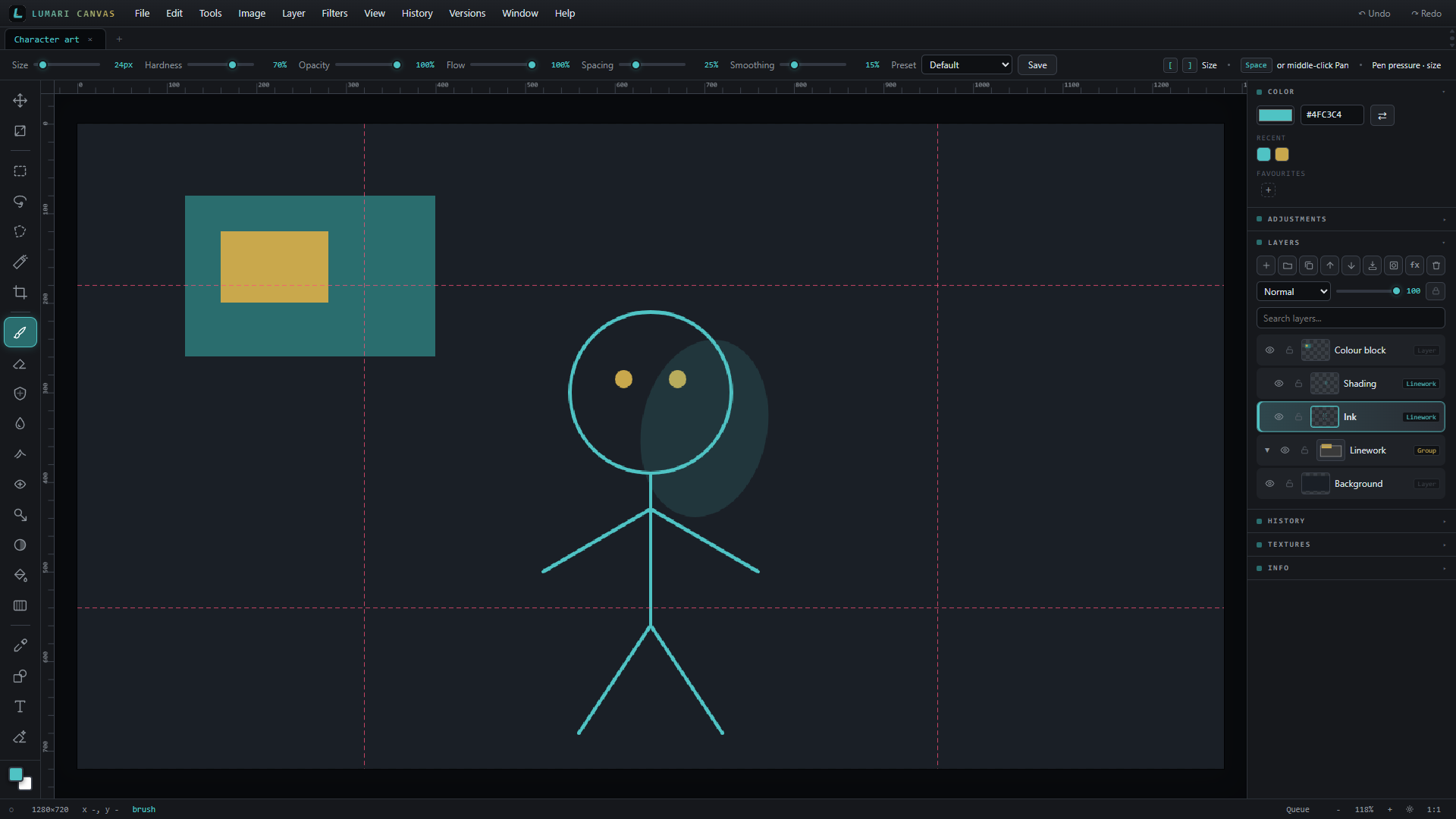
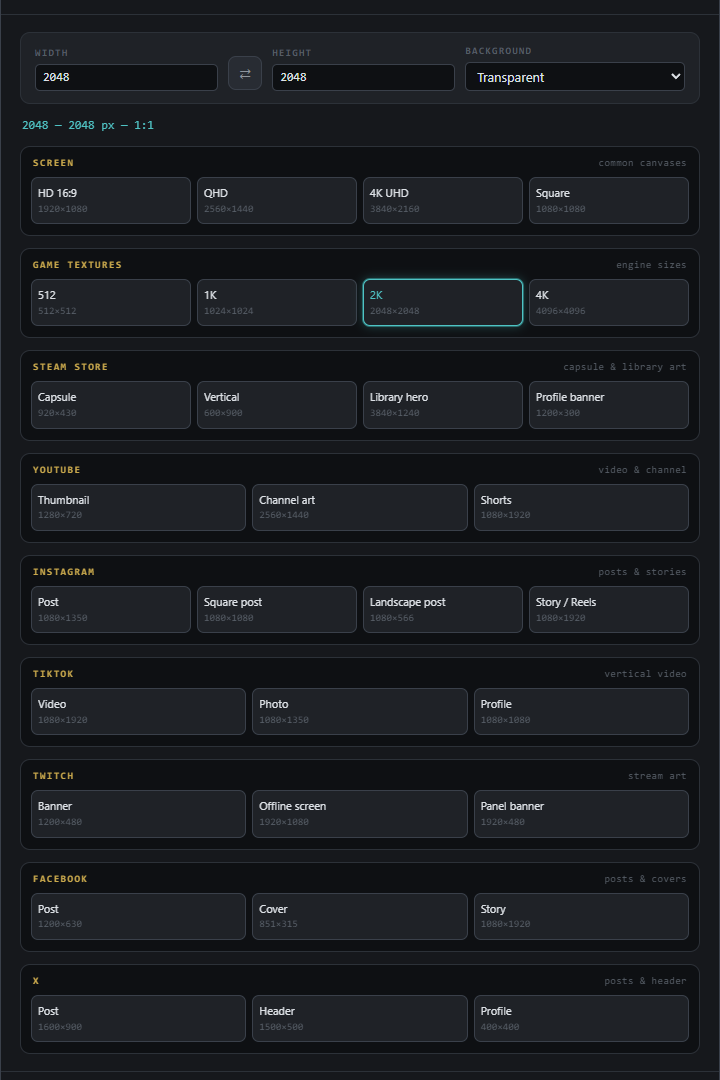
Recent updates include filter Before/After compare, pixel-art Pixelate (Size X/Y with square lock), snap-to-grid controls, FG/BG colour pickers, transform skew, print & postcard one-clicks, New Document size presets, version checkpoints & branches, layer groups, rulers with guides, scan before/after, and a cleaner Preferences layout.
Can I make postcards or prints from scanned artwork?
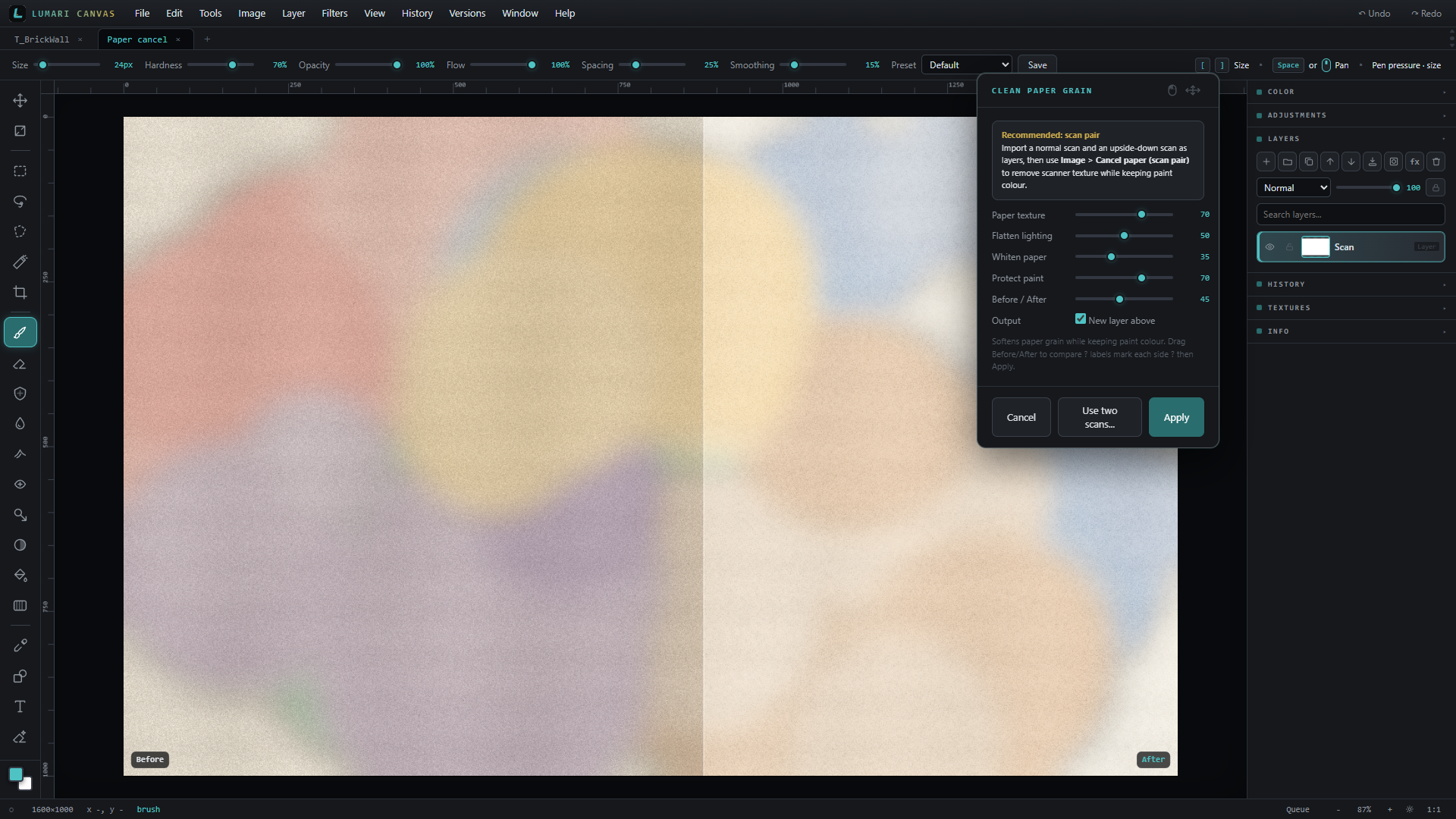
Yes. Clean paper with a scan pair (or single-scan polish), then use Make postcard / Make print for standard sizes at 300 DPI with optional mat and bleed. Export for print writes DPI metadata and offers a CMYK soft-proof for print shops and photo labs.
Does Canvas have version control?
Yes. Save named checkpoints and create branches from the Versions menu — they live inside your .lumari project (up to 15). Restore any checkpoint later, or lock the file so it can’t be edited by accident.
What’s the difference between Canvas and Motion?
Canvas is the still-image / layer editor. Motion is the timeline video editor (cuts, titles, social framing, looks). Suite is both.
Do they work offline?
Yes. Editing stays on your machine. Media isn’t uploaded to Lumari Studio.
Windows says the app is unrecognised?
Windows SmartScreen may appear the first time you open an installer from a new publisher. Choose More info, then Run anyway. Once Lumari Studio releases are code-signed, that prompt goes away.
Do you offer refunds?
14 days, no questions asked. Email sales@lumari-studio.com and Lumari Studio will sort it.
How do I contact you?
Email sales@lumari-studio.com or visit the Help / Contact page.
 Click to enlarge